Glassmorphism took the design world by storm in 2020, faded into trend fatigue by 2022, and has now matured into a legitimate design pattern when applied with restraint. Here is how to do it right.
What Is Glassmorphism?
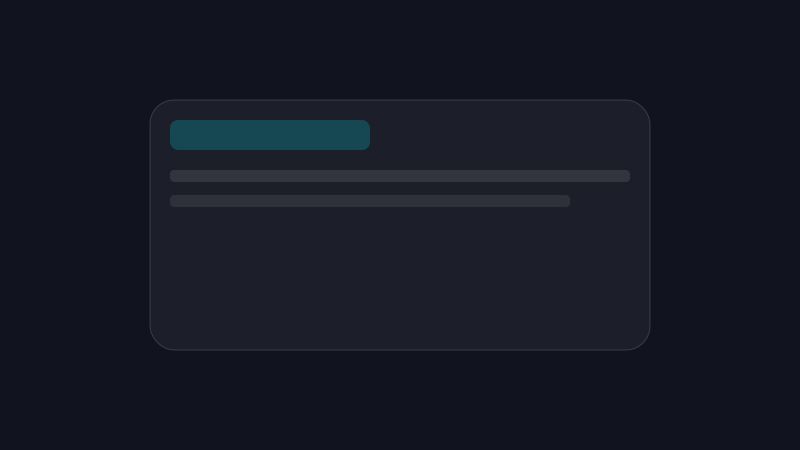
Glassmorphism creates the illusion of frosted glass — semi-transparent surfaces with background blur, subtle borders, and layered depth. It simulates physical materials floating over a background, adding dimension without heavy shadows.
The core CSS properties:
.glass {
  background: rgba(255, 255, 255, 0.05);
  backdrop-filter: blur(16px);
  -webkit-backdrop-filter: blur(16px);
  border: 1px solid rgba(255, 255, 255, 0.1);
  border-top-color: rgba(255, 255, 255, 0.15);
  border-left-color: rgba(255, 255, 255, 0.15);
}
When Glass Works
Glassmorphism excels in specific contexts:
Dark Themes
On dark backgrounds, glass surfaces create depth without competing with content. The subtle transparency lets background elements show through, reinforcing the layered aesthetic.
Atmospheric Interfaces
Dashboards, creative tools, and media applications benefit from glass’s sense of space and dimension. It communicates “this is a layer above the content.”
Navigation Elements
Sticky headers, sidebars, and modal overlays are natural glass candidates. They need to float above content while remaining readable.
When Glass Fails
Light Backgrounds
Glass on white or light gray backgrounds looks washed out. The transparency effect requires contrast between the glass surface and what is behind it.
Dense Information
Data tables, forms with many fields, and text-heavy interfaces suffer from glass backgrounds. Readability demands solid surfaces.
Accessibility Concerns
Low-contrast glass surfaces fail WCAG contrast requirements. Always test text against your glass backgrounds with tools like WebAIM’s contrast checker.
Implementation Patterns
Edge Highlighting
Instead of drop shadows, use border highlights to simulate light hitting an edge:
.glass-card {
  border-top: 1px solid rgba(255, 255, 255, 0.15);
  border-left: 1px solid rgba(255, 255, 255, 0.15);
  border-bottom: 1px solid rgba(255, 255, 255, 0.05);
  border-right: 1px solid rgba(255, 255, 255, 0.05);
}
This creates a subtle 3D effect suggesting a light source from the top-left.
Hover States
Enhance glass on hover by increasing blur and adding a colored glow:
.glass-card:hover {
  backdrop-filter: blur(20px);
  box-shadow: 0 0 40px rgba(0, 240, 255, 0.15);
  border-color: rgba(0, 240, 255, 0.2);
}
Layered Depth
Use multiple glass layers at different opacity levels to create a z-axis hierarchy:
- Level 0: Solid or gradient background
- Level 1:
rgba(255, 255, 255, 0.03)— subtle cards - Level 2:
rgba(255, 255, 255, 0.05)— primary cards - Level 3:
rgba(255, 255, 255, 0.08)— modals and overlays
Performance Considerations
backdrop-filter is GPU-intensive. Use it judiciously:
- Limit the number of glass elements visible simultaneously
- Avoid animating
backdrop-filteron scroll - Provide fallbacks for browsers without support
- Test on lower-end mobile devices
@supports not (backdrop-filter: blur(16px)) {
  .glass {
    background: rgba(29, 31, 43, 0.95);
  }
}
The Nebular Approach
In the Nebular design system, glassmorphism is one tool in a cosmic-modern toolkit. It works because:
- The dark void background provides natural contrast
- Animated gradient orbs behind glass create visual interest
- Edge highlights and accent glows reinforce the space theme
- Typography remains on solid or high-opacity surfaces for readability
Common Mistakes
- Too much transparency — if you can read background text through a card, opacity is too low
- Missing fallbacks — always provide a solid background for unsupported browsers
- Overuse — not every element needs to be glass; use it for structural layers
- Ignoring contrast — test all text combinations against glass backgrounds
- Forgetting
prefers-reduced-motion— disable blur animations for accessibility
Conclusion
Glassmorphism is not a trend to follow or avoid — it is a technique to master. Used with intention on dark themes, with proper contrast and performance awareness, it creates interfaces that feel premium, dimensional, and alive.
The glass is not the design. The content behind and within it is.